
Contents
Overview
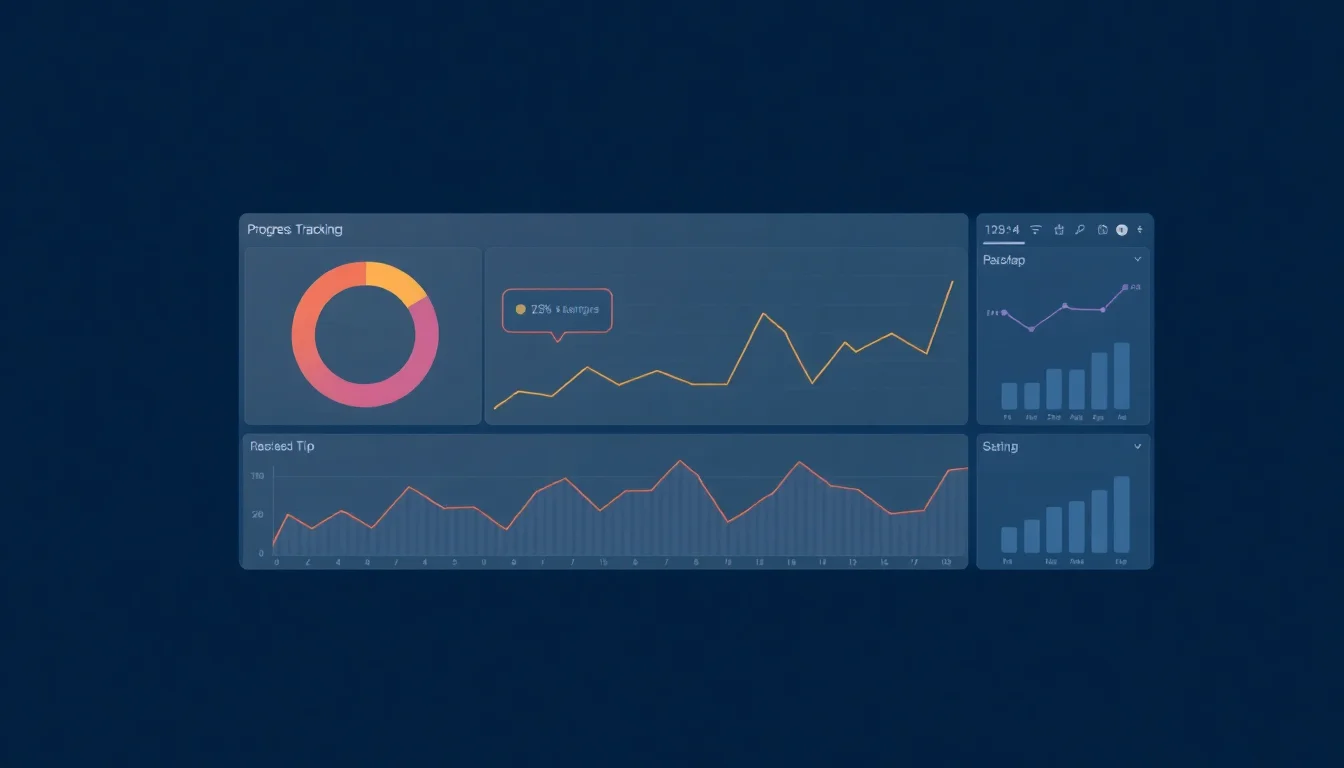
Progress tracking dashboards have evolved from simple project management tools into sophisticated platforms that integrate data visualization, analytics, and real-time updates. Originating in the early 2000s with the rise of Agile methodologies, these dashboards have become essential for teams aiming to enhance transparency and accountability. They allow users to monitor key performance indicators (KPIs), track milestones, and visualize workflows, fostering a culture of continuous improvement. As organizations increasingly adopt remote work, the demand for effective progress tracking solutions is set to grow, raising questions about data privacy and the balance between oversight and autonomy.
📊 Overview of Progress Tracking Dashboards
Progress tracking dashboards are visual tools designed to help individuals and teams monitor their performance against specific goals and objectives. They consolidate data from various sources into a single interface, allowing users to visualize progress in real-time. These dashboards are particularly valuable for project managers, team leaders, and anyone involved in goal-setting and performance evaluation. By providing a clear overview of metrics, they enable informed decision-making and foster accountability within teams. For a deeper dive into the impact of visual data representation, check out Data Visualization.
🛠️ Key Features
Key features of progress tracking dashboards include customizable metrics, real-time data updates, and collaborative functionalities. Users can often integrate tools like Trello or Asana to pull in task completion rates and deadlines. Many dashboards also offer visual elements such as graphs, charts, and color-coded indicators to quickly convey status. Advanced options might include predictive analytics, which can forecast future performance based on current trends. For those interested in the technical side, exploring API Integrations can provide insights into how these tools connect with existing workflows.
📍 Location & Access
Most progress tracking dashboards are accessible online, allowing users to log in from anywhere. Popular platforms like Monday.com and ClickUp offer mobile applications, enhancing accessibility on the go. While many tools are cloud-based, some may offer on-premise solutions for organizations with strict data security requirements. It's essential to evaluate the accessibility features of each tool to ensure it aligns with your team's needs. For more on cloud vs. on-premise solutions, see Cloud Computing.
💰 Pricing & Plans
Pricing for progress tracking dashboards varies widely based on features and user count. Basic plans can start as low as $10 per user per month, while more comprehensive solutions can exceed $50 per user per month. Many platforms offer free trials or freemium models, allowing users to test functionalities before committing. For example, Notion provides a free tier with limited features, making it an attractive option for small teams. For a breakdown of pricing structures, check out Productivity Tools Pricing.
⭐ What People Say
User feedback on progress tracking dashboards is generally positive, with many praising their ability to enhance transparency and accountability. However, some users express frustration with the learning curve associated with more complex tools. Ratings on platforms like G2 and Capterra often highlight the importance of customer support in easing this transition. It's worth noting that while some users find value in comprehensive features, others prefer simplicity. For a comparison of user experiences, see User Reviews.
🔄 Comparison with Similar Tools
When comparing progress tracking dashboards, consider factors like ease of use, integration capabilities, and customization options. Tools like Jira excel in software development environments, while others like Basecamp cater to general project management. Each tool has its strengths and weaknesses, so it's crucial to align your choice with your team's specific needs. For a side-by-side comparison of popular tools, explore Productivity Tool Comparisons.
📈 Practical Tips for Effective Use
To maximize the effectiveness of your progress tracking dashboard, start by defining clear, measurable goals. Regularly update and review the dashboard to ensure it reflects current priorities. Encourage team members to engage with the dashboard actively, fostering a culture of accountability. Additionally, consider utilizing visual elements to make data more digestible. For more strategies on effective goal-setting, see SMART Goals.
📞 Getting Started
Getting started with a progress tracking dashboard involves selecting the right tool for your needs and setting it up to reflect your team's objectives. Begin by identifying key performance indicators (KPIs) that matter most to your team. After choosing a platform, customize the dashboard to display these metrics prominently. Most tools offer onboarding resources, including tutorials and customer support, to help you through the initial setup. For a list of popular tools to consider, check out Best Productivity Tools.
Key Facts
- Year
- 2023
- Origin
- Early 2000s
- Category
- Productivity Tools
- Type
- Tool
Frequently Asked Questions
What are the benefits of using a progress tracking dashboard?
Progress tracking dashboards provide a centralized view of performance metrics, enhancing transparency and accountability within teams. They facilitate real-time monitoring, enabling quick adjustments to strategies as needed. Additionally, these tools can improve communication by providing a shared reference point for all team members, ensuring everyone is aligned on goals and progress.
How do I choose the right progress tracking dashboard?
Choosing the right dashboard involves assessing your team's specific needs, such as the complexity of projects, required integrations, and user preferences. Consider factors like ease of use, customization options, and pricing. It's also beneficial to take advantage of free trials to test functionalities before making a commitment.
Can progress tracking dashboards integrate with other tools?
Yes, many progress tracking dashboards offer integration capabilities with popular project management and communication tools like Slack, Google Drive, and Microsoft Teams. These integrations allow for seamless data flow and enhance overall productivity by connecting various aspects of your workflow.
Are there free options available for progress tracking dashboards?
How often should I update my progress tracking dashboard?
Updating your progress tracking dashboard should be a regular practice, ideally weekly or bi-weekly, depending on the pace of your projects. Frequent updates ensure that the data remains relevant and actionable, allowing teams to make informed decisions and adjustments as needed.