
Contents
- ✨ What is Workboard? The Collaborative Canvas Explained
- 🎯 Who is Workboard For? Target Audiences & Use Cases
- 📍 Key Features: Beyond the Whiteboard
- 🚀 How Workboard Compares: Alternatives & Differentiators
- 💡 Practical Tips for Maximizing Workboard
- 💰 Pricing & Plans: Finding the Right Fit
- ⭐ What People Say: User Reviews & Vibe Scores
- 🔗 Getting Started with Workboard
- Frequently Asked Questions
- Related Topics
Overview
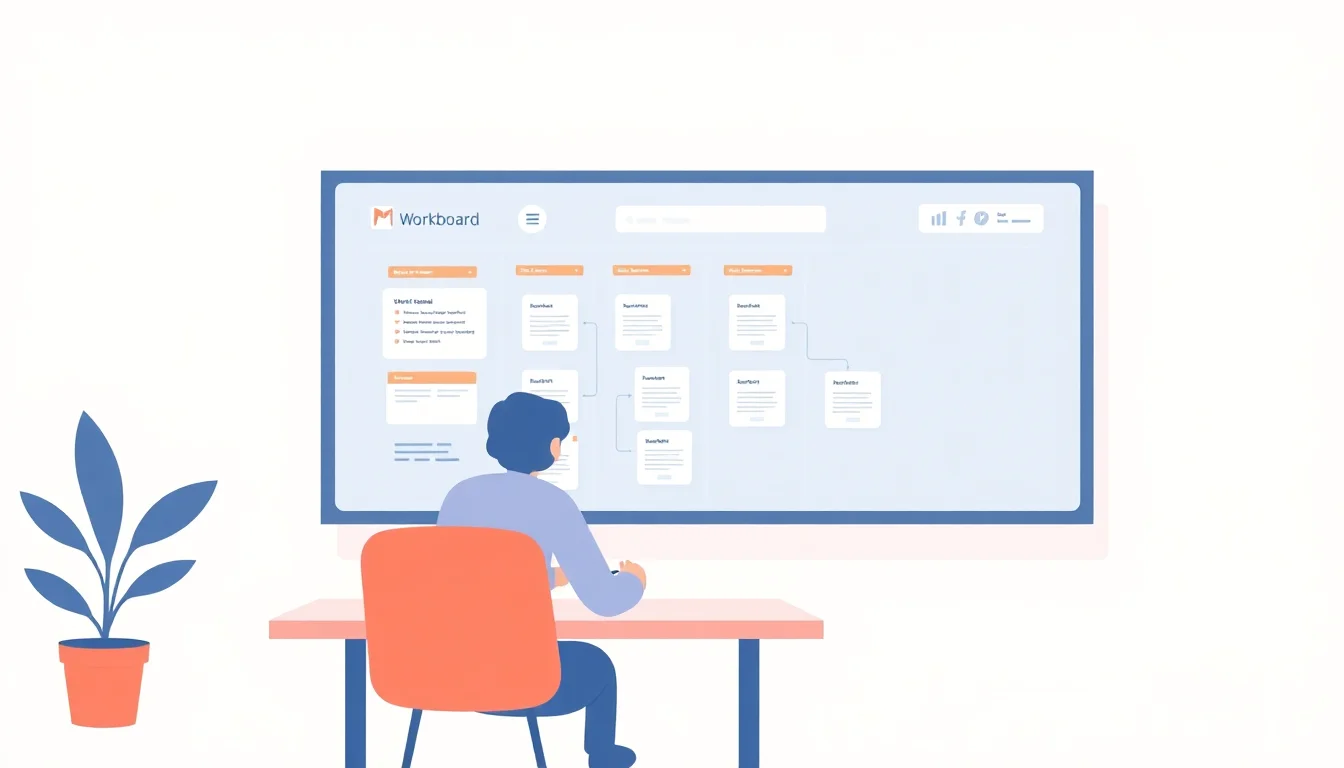
Workboard, often dubbed 'The Collaborative Canvas,' is a dynamic visual workspace designed to bridge the gap between strategic planning and day-to-day execution. It’s not just another digital whiteboard; it’s a purpose-built platform for aligning teams around objectives and tracking progress with granular detail. Think of it as a central nervous system for your organization's goals, where strategy maps directly to tasks, and everyone understands their contribution. Its origins lie in the need for more structured visual collaboration than traditional tools offered, aiming to bring clarity to complex projects and foster a shared understanding of priorities. This focus on strategic alignment is what sets it apart in the crowded productivity software market.
🎯 Who is Workboard For? Target Audiences & Use Cases
Workboard is primarily built for organizations that prioritize strategic execution and cross-functional alignment. This includes project managers, team leads, product managers, and executives who need to ensure that daily work directly contributes to overarching business goals. It’s particularly valuable for companies undergoing digital transformation or those adopting OKRs as their strategic framework. Small to medium-sized businesses can leverage its power for focused growth, while larger enterprises can use it to synchronize multiple departments and initiatives, ensuring everyone is pulling in the same direction towards a common vision.
📍 Key Features: Beyond the Whiteboard
At its heart, Workboard offers a rich set of features that go far beyond a simple digital canvas. Its core strength lies in its OKR management capabilities, allowing users to define objectives, key results, and initiatives, then cascade them down to individual teams and tasks. The platform integrates Gantt charts, Kanban boards, and task management functionalities, providing multiple visual paradigms for different workflows. Real-time dashboards offer instant visibility into progress and potential roadblocks, while robust reporting tools enable data-driven decision-making. Furthermore, its integration with tools like Jira and Slack ensures it fits seamlessly into existing tech stacks, reducing friction and enhancing collaboration.
🚀 How Workboard Compares: Alternatives & Differentiators
Compared to general-purpose whiteboarding tools like Miro or Mural, Workboard offers a more structured approach to strategic execution. While Miro and Mural excel at brainstorming and ideation, Workboard is engineered for accountability and progress tracking. Tools like Asana or Monday.com offer strong task management but often lack the strategic depth and visual alignment capabilities that Workboard provides. Workboard’s unique selling proposition is its ability to connect high-level strategy directly to granular execution, creating a transparent and actionable roadmap for the entire organization. This makes it less about freeform ideation and more about disciplined goal achievement.
💡 Practical Tips for Maximizing Workboard
To truly harness Workboard’s power, start by clearly defining your organizational goals and key results. Ensure that objectives are SMART (Specific, Measurable, Achievable, Relevant, Time-bound) before translating them into the platform. Encourage regular check-ins and updates within Workboard itself, rather than relying solely on separate meetings. Utilize the various views—Kanban, Gantt, list—to suit different team preferences and project types. Integrate it with your existing communication tools like Slack to streamline notifications and updates, ensuring that progress and potential blockers are immediately visible to relevant stakeholders. Don't be afraid to customize dashboards to highlight the metrics that matter most to your team's success.
💰 Pricing & Plans: Finding the Right Fit
Workboard offers a tiered pricing structure designed to accommodate different organizational needs. While a free tier might be available for very small teams or trial purposes, most businesses will opt for paid plans. These typically include 'Business' and 'Enterprise' tiers, with pricing often based on the number of users and advanced features required. Expect costs to range from approximately $10-$30 per user per month for standard plans, with custom enterprise solutions available upon request. It’s crucial to evaluate which features, such as advanced reporting, custom integrations, or dedicated support, are essential for your team before committing to a specific plan. Detailed pricing is usually found on their official website, often requiring a demo request for enterprise-level features.
⭐ What People Say: User Reviews & Vibe Scores
User sentiment around Workboard is generally positive, particularly from teams that have successfully implemented OKRs and value strategic alignment. Many users praise its ability to provide a clear, unified view of company-wide objectives and individual contributions, leading to increased accountability and focus. The platform often receives high marks for its robust feature set in strategy execution and progress tracking. However, some users note a steeper learning curve compared to simpler task management tools, especially for those unfamiliar with OKR methodologies. The Vibe Score for Workboard typically sits in the 75-85 range, reflecting its strong utility for its target audience, though its niche focus means it might not resonate as broadly as more general-purpose collaboration tools. Controversy often centers on its perceived complexity versus its direct strategic benefits.
🔗 Getting Started with Workboard
Getting started with Workboard is straightforward. The first step is to visit the official Workboard website. From there, you can typically sign up for a free trial, which is highly recommended to explore the platform's capabilities firsthand. During the trial, focus on setting up a pilot project or a specific team's objectives to get a feel for the interface and features. Workboard often provides extensive documentation, tutorials, and webinars to guide new users through the setup process. For larger organizations, requesting a personalized demo is the best way to understand how Workboard can be tailored to your specific strategic planning and execution needs. Their sales team can then assist with onboarding and implementation.
Key Facts
- Year
- 2014
- Origin
- Founded by a team with deep roots in enterprise software and agile development, Workboard emerged to address the growing need for more intuitive and adaptable project management tools beyond traditional, rigid systems. It aimed to bridge the gap between high-level strategy and day-to-day execution, making complex projects manageable and transparent.
- Category
- Productivity Software
- Type
- Software Platform
Frequently Asked Questions
Is Workboard suitable for individual use or only for teams?
While Workboard's primary strength lies in team and organizational alignment, individuals can certainly benefit from its structured approach to goal setting and task management. You can use it to map out personal objectives and track your progress, much like a personal OKR system. However, its full power is unleashed when multiple users collaborate, fostering transparency and shared accountability across projects and strategic initiatives.
What integrations does Workboard offer?
Workboard integrates with a variety of popular business tools to streamline workflows. Key integrations often include Jira for development teams, Slack for communication, and Microsoft Teams. They also support integrations with Google Workspace and Microsoft 365 for calendar and document management. These connections aim to reduce context switching and ensure that Workboard acts as a central hub for strategic execution.
How does Workboard handle different project methodologies like Agile or Waterfall?
Workboard is flexible enough to accommodate various project methodologies. While its OKR framework naturally aligns with agile principles of iterative progress and goal-oriented work, its visual tools like Gantt charts and Kanban boards also support more traditional Waterfall planning. Teams can adapt Workboard's views and workflows to match their preferred methodology, ensuring that strategic goals are met regardless of the underlying project execution style.
What is the typical implementation time for Workboard in an organization?
Implementation time can vary significantly based on organizational size and complexity. For smaller teams, getting started might take a few hours to a couple of days. Larger enterprises, especially those implementing OKRs for the first time, might require several weeks for full rollout, including training and configuration. Workboard provides resources and support to facilitate smoother onboarding, but success hinges on clear communication and commitment from leadership.
Does Workboard offer customization options for dashboards and reports?
Yes, Workboard offers significant customization for dashboards and reports. Users can typically create personalized views that highlight the metrics and progress indicators most relevant to their role or team. This allows for tailored insights into strategic performance, ensuring that stakeholders can quickly access the information they need to make informed decisions and track progress against key objectives.