
Contents
- 📱 What is Android UI/UX?
- 🗺️ Navigating the Core Components
- 🎨 Design Principles & Guidelines
- ✨ Material Design: Google's Design Language
- 🚀 Performance & Responsiveness
- 💡 Accessibility for All Users
- 🔄 Evolution of Android Interfaces
- ⚖️ Android vs. iOS UI/UX: A Comparison
- 🛠️ Tools & Resources for Developers
- 📈 User Feedback & Iteration
- 🔮 The Future of Android UI/UX
- 🚀 Getting Started with Android UI/UX
- Frequently Asked Questions
- Related Topics
Overview
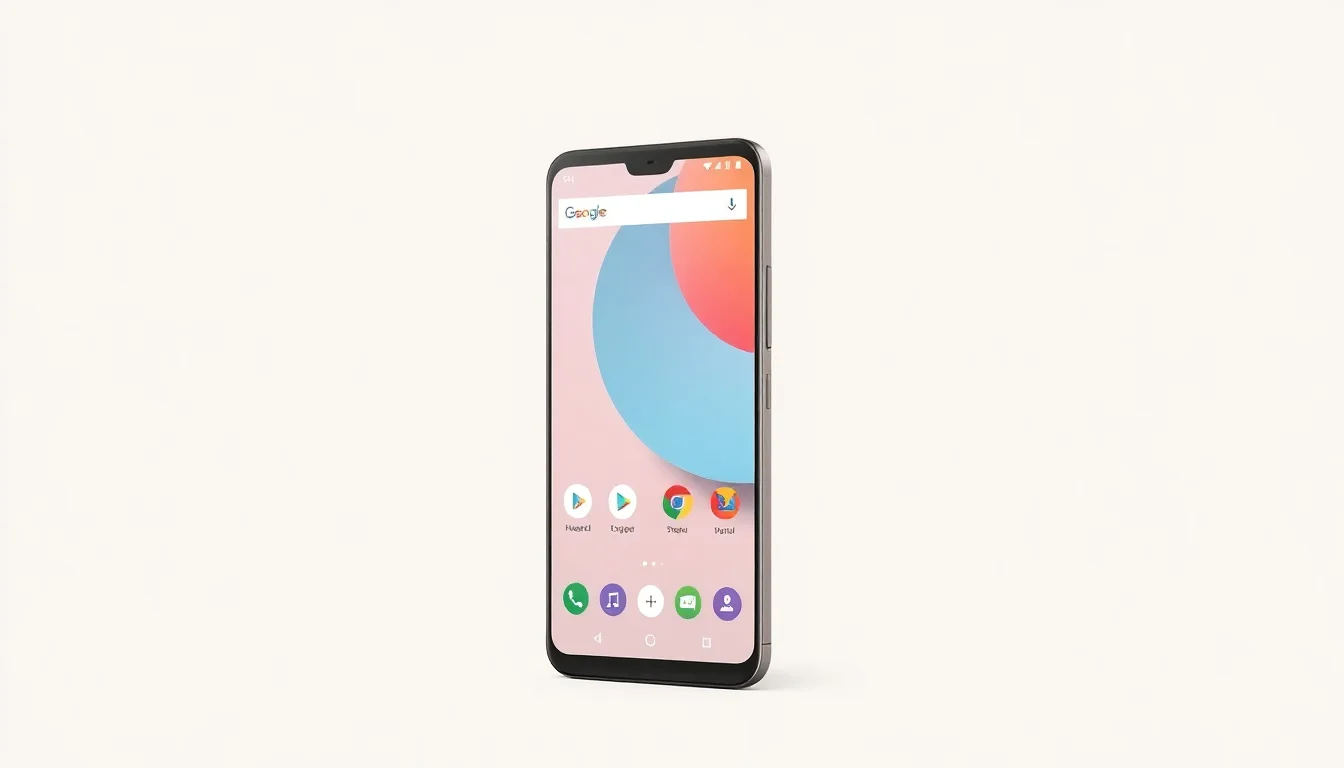
Android UI/UX, a shorthand for User Interface and User Experience on the Android operating system, is the intricate dance between how an app looks and how it feels to use. It's not just about pretty buttons; it's about creating intuitive, efficient, and delightful interactions for millions of users worldwide. A well-crafted Android UI/UX can elevate an app from a mere utility to a beloved tool, fostering user loyalty and driving engagement. Conversely, poor design can lead to frustration, high app abandonment rates, and ultimately, failure. Understanding this duality is paramount for any developer or designer aiming to succeed in the competitive Android ecosystem.
🎨 Design Principles & Guidelines
Google provides a robust set of Android design guidelines to ensure consistency and usability across the platform. These principles emphasize clarity, efficiency, and user control. Key tenets include providing clear visual hierarchy, offering immediate feedback on user actions, and minimizing cognitive load. Adhering to these guidelines not only makes apps feel familiar to Android users but also streamlines the development process by providing a proven framework. Ignoring them often results in apps that feel out of place or difficult to operate within the broader Android environment.
✨ Material Design: Google's Design Language
Material Design, introduced by Google in 2014, is more than just a visual style; it's a comprehensive design system that extends across platforms. It draws inspiration from the physical world, emphasizing depth, shadow, and motion to create intuitive and engaging interfaces. Key elements include responsive grids, meaningful motion, and adaptive layouts. Adherence to Material Design principles allows for a cohesive and recognizable user experience, whether on a smartphone, tablet, or Wear OS device. Its ongoing evolution, with versions like Material You, continues to push the boundaries of personalization and adaptive aesthetics.
🚀 Performance & Responsiveness
Performance and responsiveness are non-negotiable aspects of good Android UI/UX. Users expect apps to load quickly, respond instantly to touch, and animate smoothly. Laggy interfaces or slow loading times are direct indicators of poor engineering and can severely damage user perception. Developers must optimize app performance by managing background processes, efficient data loading, and smooth UI rendering. Techniques like using ViewModel and Coroutines are crucial for maintaining a fluid user experience, especially on devices with varying hardware capabilities.
💡 Accessibility for All Users
Accessibility is a critical, often overlooked, pillar of Android UI/UX. Designing for users with disabilities ensures that your app is usable by the widest possible audience. This includes implementing features like TalkBack support for screen readers, adjustable font sizes, sufficient color contrast, and clear touch targets. Google's commitment to accessibility is reflected in its platform features and developer tools. Prioritizing accessibility from the outset not only broadens your user base but also leads to more robust and user-friendly designs for everyone.
🔄 Evolution of Android Interfaces
The visual language and interaction patterns of Android UI/UX have undergone significant transformations since its inception in 2008. Early versions featured skeuomorphic designs, mimicking real-world objects. This evolved into the flat design era, emphasizing simplicity and clean lines. The introduction of Material Design marked a significant shift towards a more tactile and motion-rich experience. More recently, with Material You, Android has embraced personalization, allowing users to tailor the interface's look and feel to their preferences, reflecting a growing trend towards user-centric customization.
⚖️ Android vs. iOS UI/UX: A Comparison
The perennial debate: Android UI/UX versus iOS UI/UX. While both aim for intuitive interaction, their philosophies diverge. Android, historically, has championed customization and openness, allowing for greater developer freedom and user personalization. iOS, conversely, has prioritized a tightly controlled, consistent, and often more polished user experience across its ecosystem. Key differences lie in navigation patterns (back button on Android vs. swipe gestures on iOS), notification handling, and overall design aesthetics. Choosing between them often depends on target audience and desired brand identity, though the lines are increasingly blurred with cross-platform design trends.
🛠️ Tools & Resources for Developers
Developing for Android UI/UX requires a suite of powerful tools. Android Studio, the official IDE, provides comprehensive tools for layout design, debugging, and performance profiling. Jetpack Compose, Android's modern toolkit for building native UI, offers a declarative approach to UI development, significantly speeding up the process and improving code maintainability. Tools like Figma and Sketch are invaluable for UI design and prototyping, allowing designers and developers to collaborate effectively. Understanding and utilizing these resources is key to efficient and high-quality UI/UX development.
📈 User Feedback & Iteration
The most effective Android UI/UX is born from a cycle of user feedback and iterative improvement. Gathering insights through user testing, analytics, and direct feedback channels is crucial. Observing how users interact with your app, identifying pain points, and understanding their unmet needs allows for targeted design enhancements. This continuous loop of design, test, and refine ensures that the interface evolves to better serve its users, leading to higher satisfaction and sustained engagement. Ignoring user feedback is a surefire path to interface stagnation.
🔮 The Future of Android UI/UX
The future of Android UI/UX is intrinsically linked to advancements in AI, augmented reality, and evolving user expectations. We're seeing a strong push towards more adaptive and personalized interfaces, exemplified by Material You's dynamic theming. Expect increased integration of AI to anticipate user needs and streamline complex tasks. Augmented reality interfaces will likely become more prevalent, blending digital information with the physical world. The challenge will be to maintain simplicity and intuitiveness amidst increasing technological sophistication, ensuring that innovation enhances, rather than complicates, the user experience.
🚀 Getting Started with Android UI/UX
To begin your journey into Android UI/UX, start by exploring the official Android developer documentation and the Material Design guidelines. Download Android Studio and experiment with building simple layouts and interactive components. Consider taking online courses on platforms like Coursera or Udacity that focus on Android development and UI/UX principles. Engage with the developer community through forums and Stack Overflow to ask questions and learn from others' experiences. The most effective way to learn is by doing, so start building small projects and iterating based on what you learn.
Key Facts
- Year
- 2008
- Origin
- Google (Android OS launch)
- Category
- Technology & Design
- Type
- Concept/Field
Frequently Asked Questions
What's the difference between UI and UX in Android?
UI (User Interface) refers to the visual elements of an app – the buttons, icons, typography, and overall look. UX (User Experience) is the broader feeling a user has when interacting with the app – how intuitive, efficient, and enjoyable the experience is. Good UI contributes to good UX, but UX also encompasses factors like performance, accessibility, and overall flow.
Is Material Design still relevant for Android apps?
Absolutely. Material Design, and its evolution like Material You, remains Google's primary design language for Android. It provides a robust framework for creating consistent, beautiful, and functional interfaces. While you can deviate, adhering to Material Design principles generally leads to apps that feel native and familiar to Android users.
How important is performance for Android UI/UX?
Performance is critical. Users expect apps to be fast and responsive. Laggy interfaces, slow load times, or battery drain are major UX detractors. Developers must prioritize optimization techniques, efficient coding practices, and thorough testing to ensure a smooth and enjoyable user experience.
What is Jetpack Compose and how does it relate to Android UI/UX?
Jetpack Compose is Android's modern toolkit for building native UIs. It uses a declarative approach, making UI development more intuitive and efficient compared to the traditional XML-based system. Compose allows for faster iteration, more readable code, and better performance, directly impacting the quality of the Android UI/UX.
How can I make my Android app more accessible?
Start by following Google's accessibility guidelines. Implement support for screen readers like TalkBack, ensure sufficient color contrast, provide adjustable font sizes, and make touch targets large enough. Test your app with accessibility features enabled to identify and fix potential issues.
What are the key differences between Android and iOS UI/UX?
Android typically offers more customization and a universal back button, while iOS emphasizes consistent navigation gestures and a more curated, often simpler, user experience. Design aesthetics, notification handling, and system-level interactions also differ. However, many cross-platform design trends are blurring these distinctions.